Sign in to the console
The console is the website you use to see devices, send commands, and set configuration. Each organization has its own link.
What you need
- The link the person in charge sent you. It usually looks like …/panel/organization-name/login
- Your email and password. One account per person. Do not share it.
- Chrome, Edge, or Safari.
Steps
-
Open the link. The page says Sign in to VN-MDM. The small line under it is your organization’s name. In the demo picture, that name is Test Customer 1.
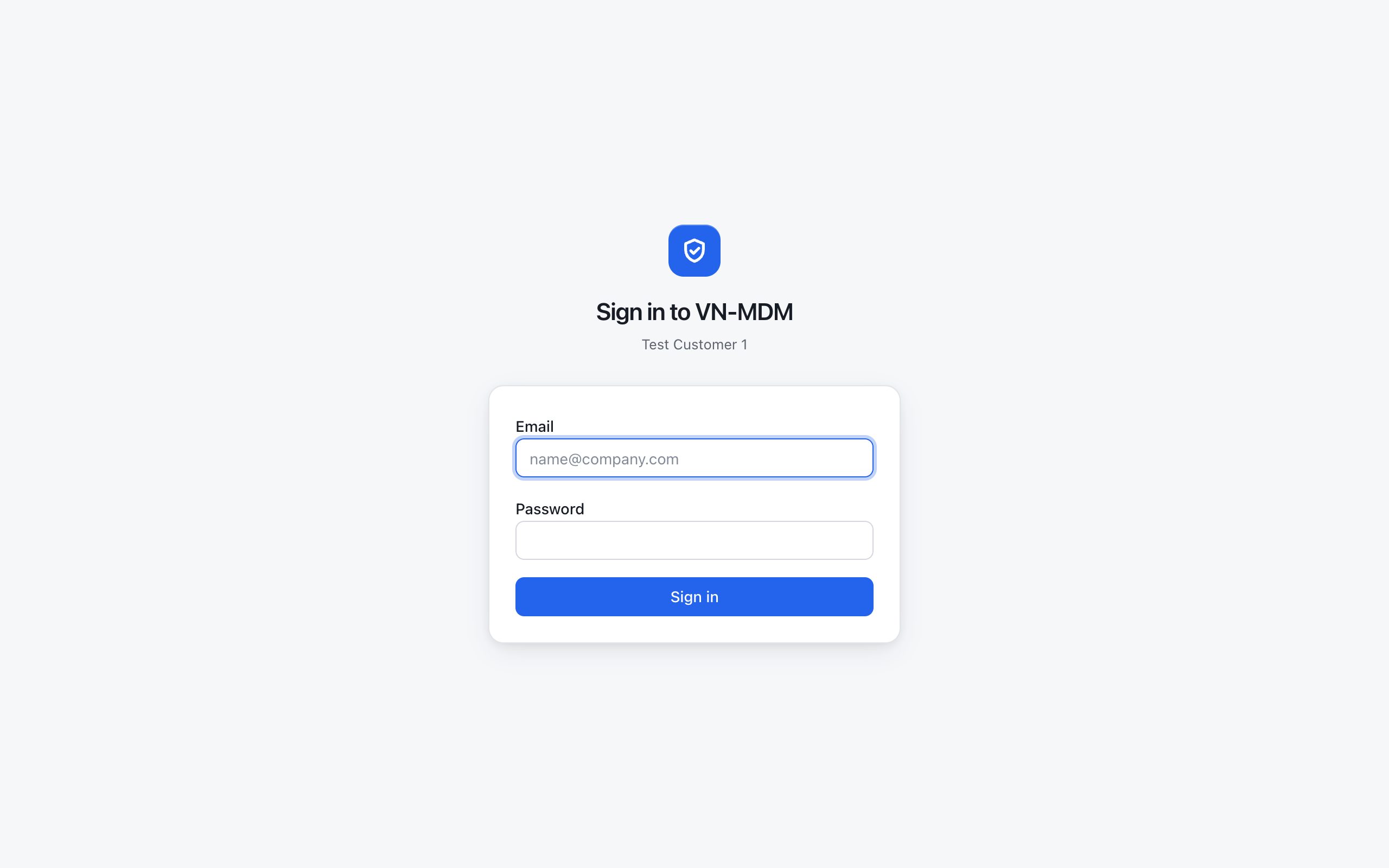
The sign-in page. The Email box shows the hint [email protected] — clear the hint, then type your email. -
Type your email in Email. Type your password in Password. The password appears as dots.
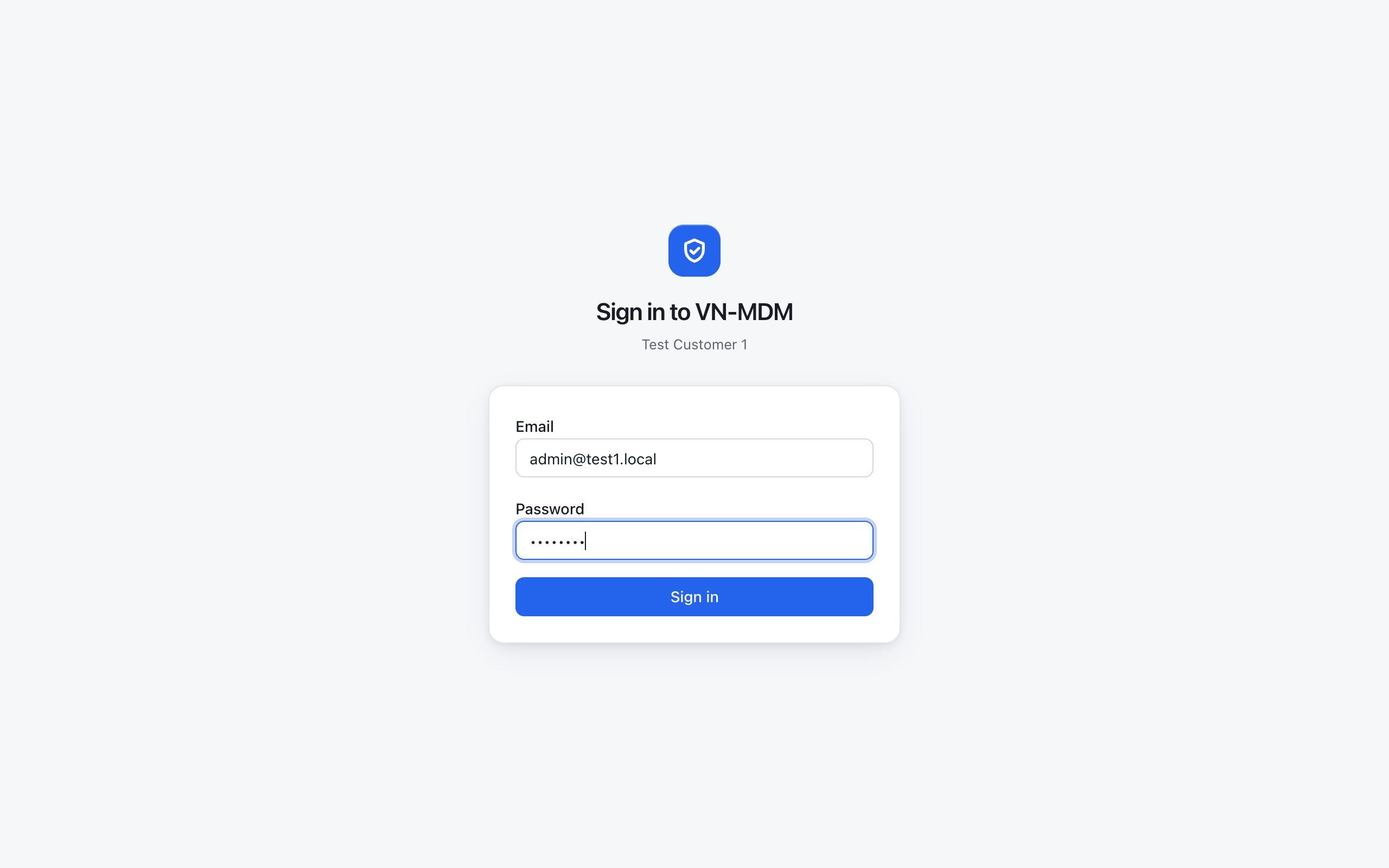
Demo picture: the email belongs to the trial organization. Your email will be different. The password is not shown as real letters. -
Click Sign in.
-
With the right account you land on Dashboard. This is the overview: device counts, devices already managed, and commands waiting.
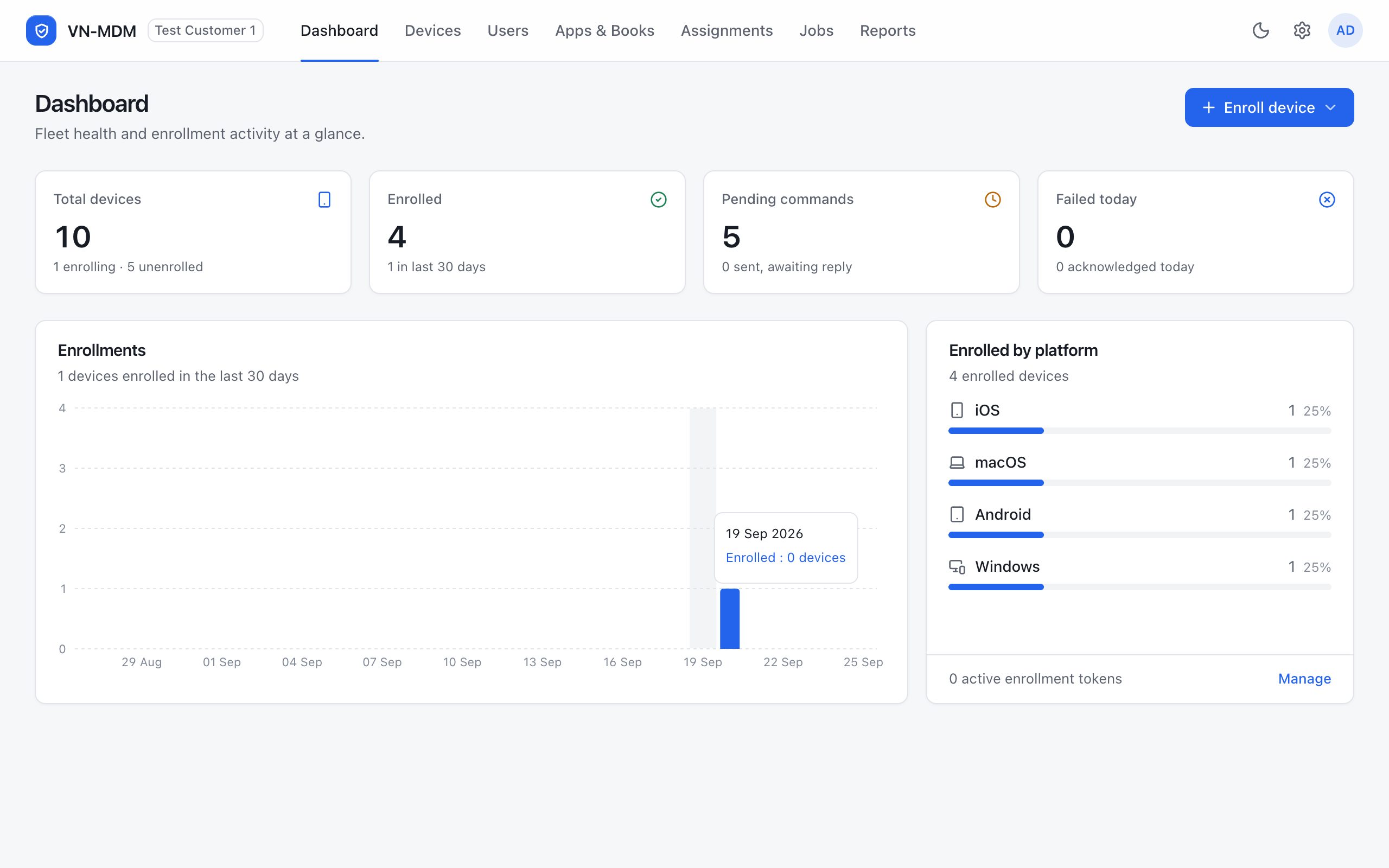
After sign-in. The green underline sits under the item you have open — here it is Dashboard.
What the top bar is for
| Item | What that item does |
|---|---|
| Dashboard | A quick look at device counts and devices that enrolled in the last 30 days. |
| Devices | The list of each device. Start with the device list page. |
| Users | People in the organization and user groups. |
| Apps & Books | Company apps assigned to Apple devices. |
| Assignments | What is already assigned to a device or a group: profiles and apps. |
| Jobs | Work the system is running in the background. |
| Reports | Reports. |
| The gear | Opens Settings — certificates, enrollment, and profiles. |
| The letter circle | Your account: Account, Appearance, Sign out. |
The Enroll device button is for adding a new device. How to pick a platform is in Enroll iPhone and iPad.
Sign out
Click the letter circle at the top right, then Sign out. Next time, open the link again and sign in as above.
Common questions
- I clicked Sign in but I am still on the sign-in page, with red text?
- The email or password is not right. Type them again. The password treats capitals and lowercase as different.
- There is no forgot-password button?
- Ask the person who created your account to reset the password.
- The same email works for this organization, but not for another organization’s link?
- Each link belongs to one organization. Use the link that was sent with the account.
Accounts, directory people and console access
Users is the people directory. A person may have a linked console account; a console account may also stand alone. Directory contact email and console login email are managed separately.
Open Settings → Admin access, choose an account, then Manage access. Review identity, status, role, actual permissions and device scope before Save. Each account has exactly one role. Manage the role's permissions under Roles & permissions.
New admin creates a standalone account or links an existing directory person. Choose Selected device groups to restrict its scope. Some roles, including Administrator, always cover all devices.
Reset password sets a new password and revokes current sessions. Revoke sessions requires the operator to sign in again. Change your own password under Settings → Account → Change password using your current password.
