01
Asset management
How many devices, who holds which, iPhone or Android, OS version, storage, battery, IMEI, serial.
MDM basics
A short guide for owners, managers and IT teams who have never used MDM: what it is, what it does, and whether your business needs it.
MDM is a system that lets a business manage all of its employees' phones, tablets and computers remotely, from a single admin console. Instead of picking up each device to install apps, configure Wi-Fi or VPN, or deal with a lost phone, IT does it from the dashboard.
Think of it this way
HR software manages people; accounting software manages money. MDM manages the devices people work with — who has which device, what is on it, and whether it is safe.
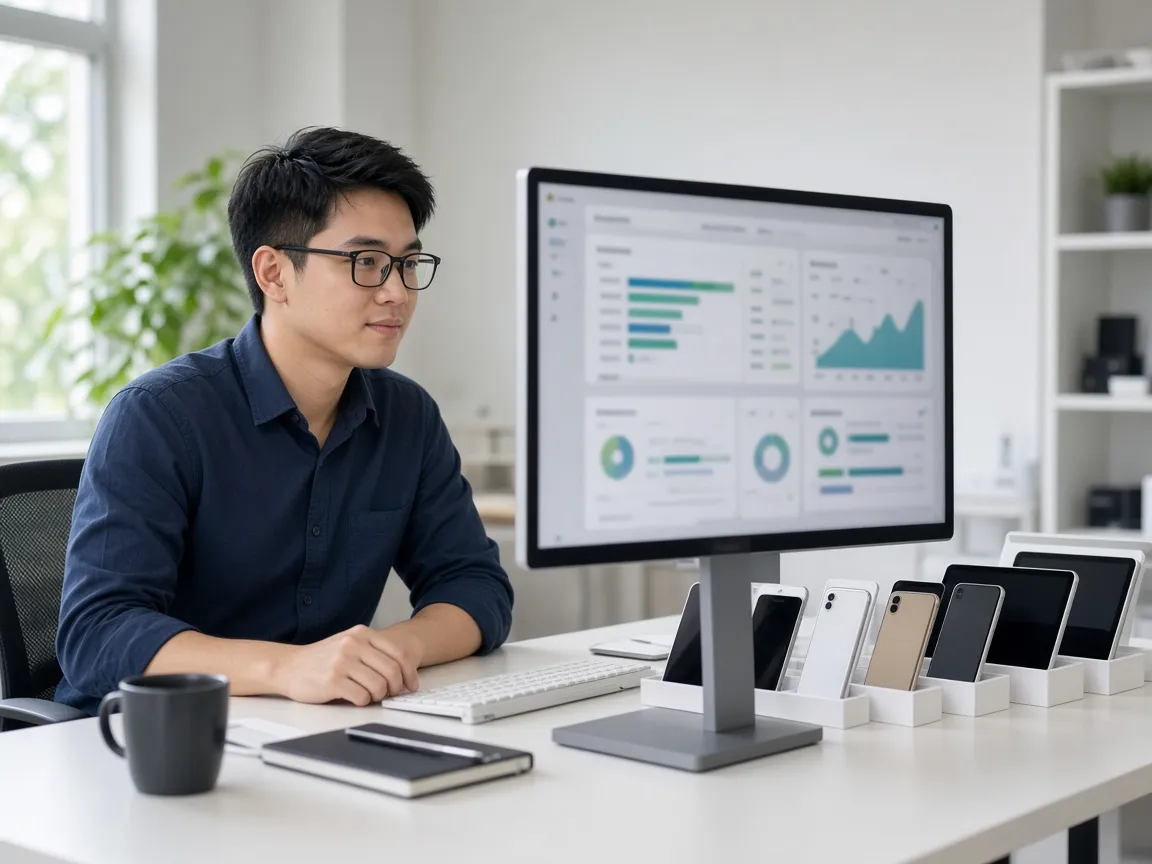
Without MDM
15–30 minutes per device → 25–50 working hours for 100 devices.
With MDM
Just minutes — or fully automatic.
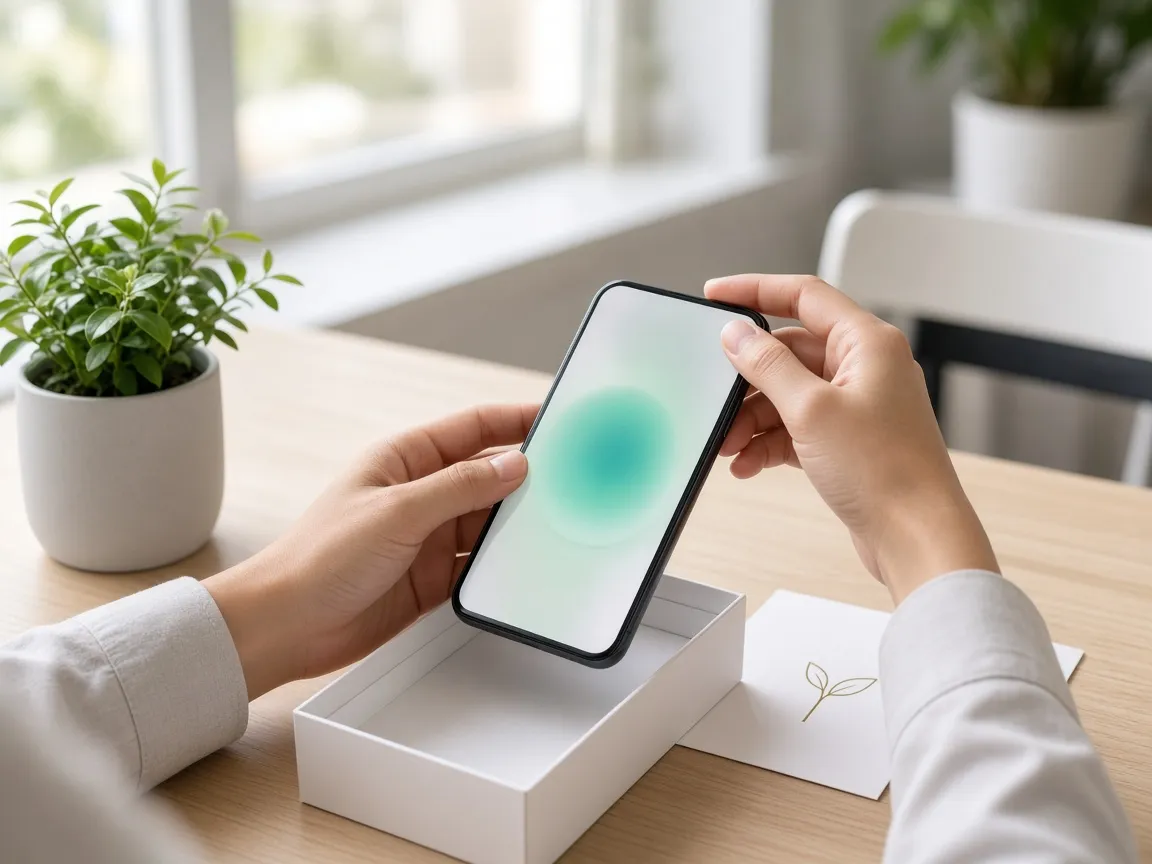
The nine most common jobs — all done remotely.
How many devices, who holds which, iPhone or Android, OS version, storage, battery, IMEI, serial.
ERP, CRM, POS, time tracking, sales: IT clicks install and hundreds of devices follow. No self-service downloads.
New versions roll out to every device. No more “my phone isn't updated yet”.
Remove company email, apps and data, lock or reset the device — remotely.
Lock the screen, show a contact number, locate (where supported), wipe data.
Require 8+ character passcodes, block unapproved apps, restrict screenshots — automatically.
Wi-Fi, VPN, email, proxy and certificates preinstalled. Nothing for staff to type.
POS, ticketing, hospital kiosks and delivery devices run a single app. No Facebook, YouTube, TikTok or games.
Online/offline, OS version, storage, battery, and whether the device complies with policy.
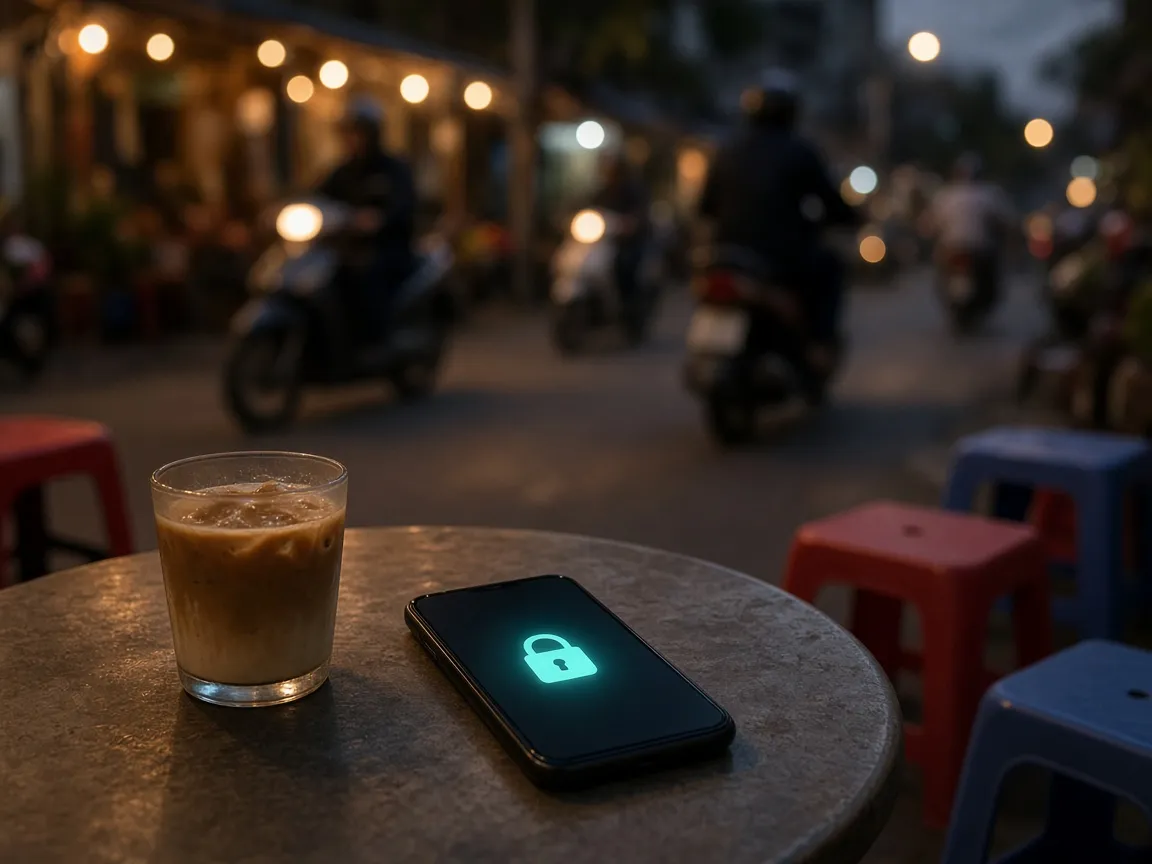
This is the moment that convinces many businesses to adopt MDM. Without it, customer data, email and internal documents on the phone are out of your control.
It suits most businesses with around 20 or more devices, or any device that holds important data.
| Industry | Need |
|---|---|
| Banking | Device security and regulatory compliance |
| Insurance | Managing advisor and sales devices |
| Logistics | Driver phones and handhelds |
| Retail chains | POS and sales devices |
| Hospitals | Information kiosks and nurse tablets |
| Schools | Student tablets |
| Factories | Barcode scanners and PDAs |
| Tech companies | Company phones and laptops |
| F&B chains | Ordering tablets |
| Real estate | Sales staff devices |
MDM manages differently depending on who owns the device.
Company-owned
The company manages everything: apps, restrictions, lock, wipe. Apple devices bought through Apple Business Manager are supervised for deeper control.
Personal (BYOD)
On Android the company manages only a separate work profile; personal apps and data are untouched.
Dedicated devices
Shared or fixed devices (POS, kiosk, scanner): locked to one or a few apps and not tied to one person.
This is the question employees ask most. Short answer: MDM manages the device; it does not read personal content.
Tick everything that is true for you.
The one-minute summary
“MDM lets a business manage all of its employees' phones, tablets and laptops from a single screen. Instead of IT setting up each device, MDM installs apps, configures Wi-Fi, VPN and email, enforces security policies, locks or wipes lost devices and monitors device health remotely. For businesses with many devices or branches, MDM significantly cuts operating time, improves security and keeps every device compliant with company policy.”
See what VN-MDM can do, read the user guide, or try it with your own devices.
Request a trial and we will help you enroll your first devices.