Features
Everything IT needs to manage devices — in one console.
From first power-on to the day a device is returned, VN-MDM handles the repetitive work so your IT team can focus on what matters.
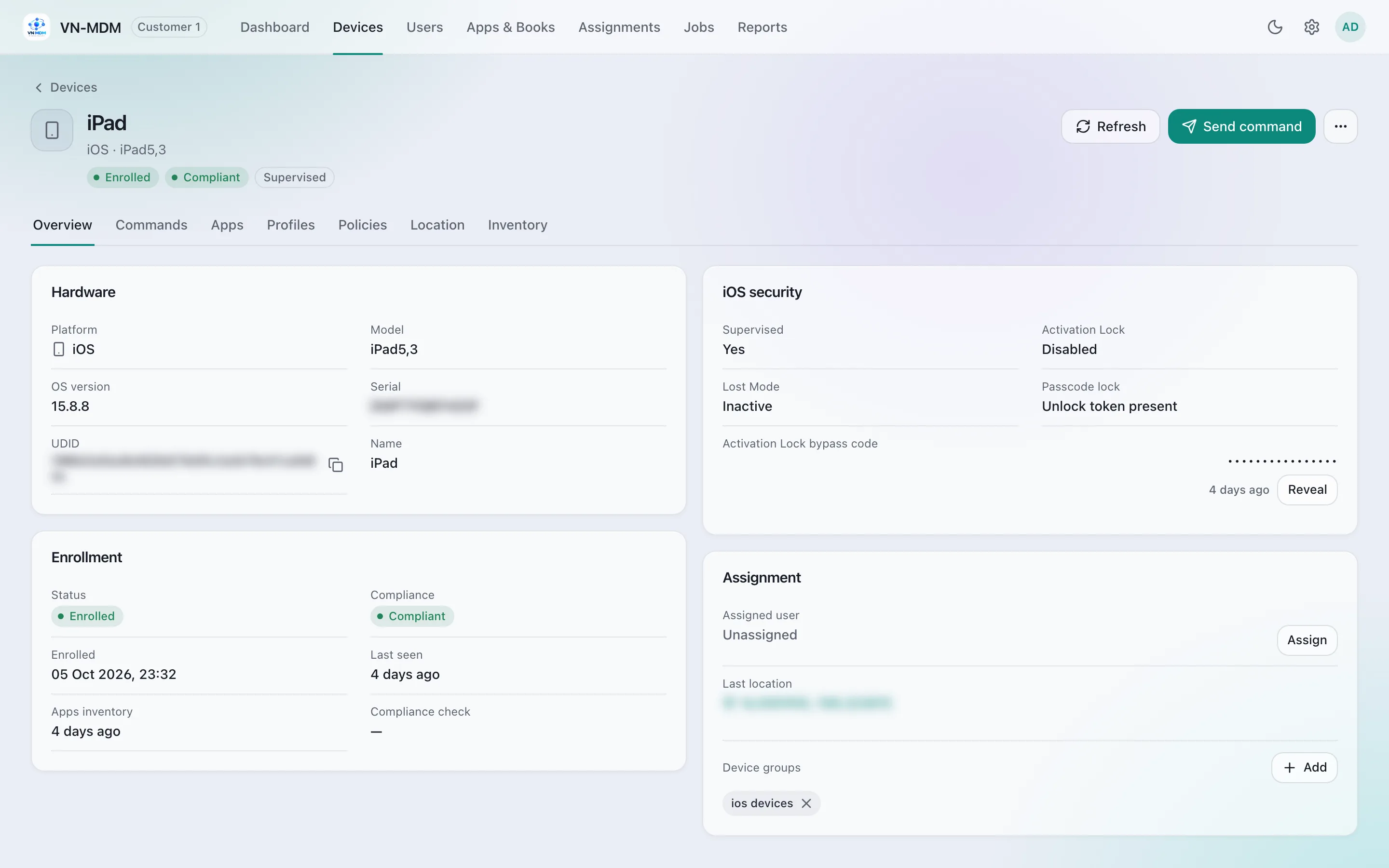
Device management & inventory
Know exactly how many devices you have, where they are and what they run.
- Automatic inventory
- Model, OS, storage, battery, serial/IMEI, online status and last check-in.
- Device groups
- Group devices by department, store or branch to assign the same policies and apps.
- Search & filter
- Find by name, serial, platform or status; export the list to CSV.
- Assign users
- See who holds which device, with a user directory and user groups.
Enroll devices
Pick the way that fits: fully automatic, QR code or a link.
- Automated via Apple Business Manager
- iPhone, iPad and Mac bought from authorized resellers enroll at first power-on (ADE) — zero touch.
- QR code for Android
- Scan during setup. Choose fully managed, work profile (BYOD) or dedicated device.
- Link / QR for iPhone, iPad, Mac
- Send a one-time enrollment link for devices you already own.
- Windows
- Add a PC from Windows Settings → Access work or school with an email and enrollment password.

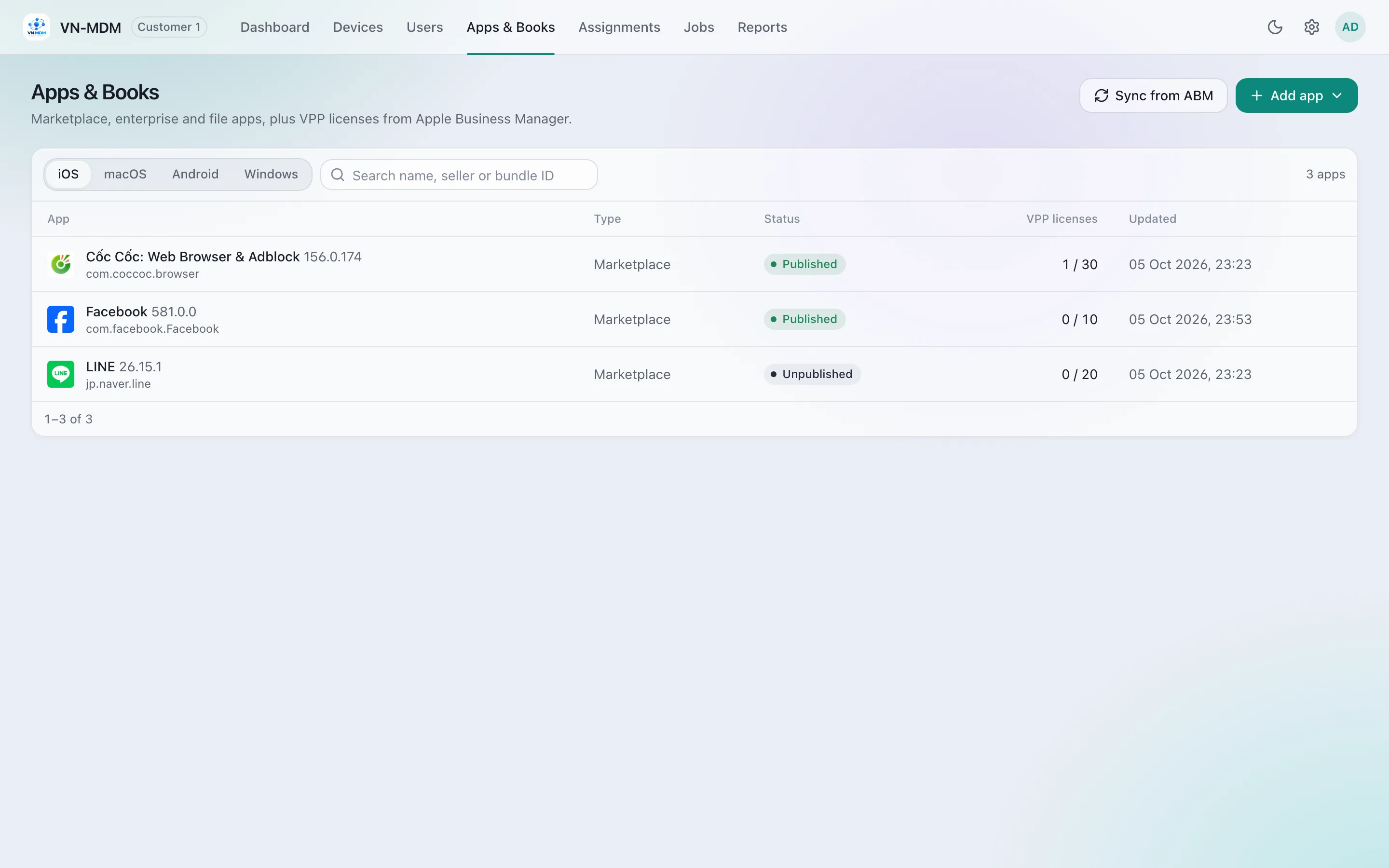
Apps & licenses
Install, update and remove apps on hundreds of devices in one step.
- App Store & VPP licenses
- Sync licenses from Apple Business Manager, assign them to devices and install without an Apple ID.
- Managed Google Play
- Choose Android apps to force-install, offer, or block.
- In-house apps
- Distribute your own enterprise apps (ERP, CRM, time tracking) with provisioning profiles.
- Organization defaults
- Set it once: every newly enrolled device gets the right apps and settings.
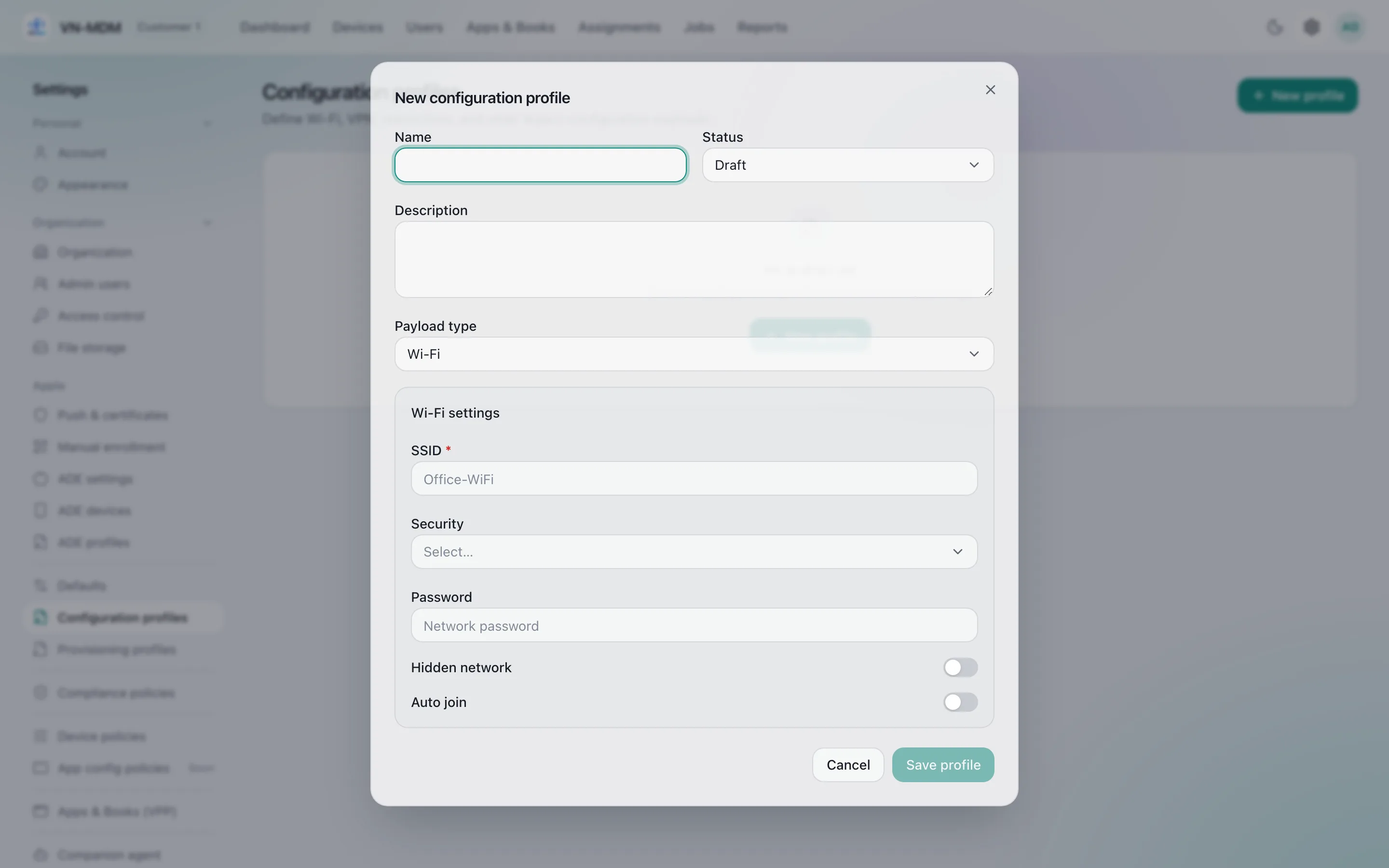
Automatic configuration
Employees can work the moment they unbox — no typing Wi-Fi passwords or setting up mail.
- Wi-Fi, VPN, Email, Exchange
- Push network and company mail settings, including certificates and proxy.
- Restrictions
- Turn off camera, screenshots, AirDrop, app installation… per group.
- Home screen & wallpaper
- Arrange the home screen, set branded wallpaper and web shortcuts (Web Clips).
- Web content filter
- Limit inappropriate websites on student and staff devices.
Security & compliance
Apply security rules automatically and see instantly which devices fall short.
- Passcode policy
- Require a passcode, set length, complexity and maximum failed attempts.
- OS updates
- Schedule download and install; set update deadlines for Apple devices.
- Compliance policies
- Mark devices compliant or not (OS version, passcode…) and lock or wipe automatically if needed.
- Encryption & antivirus
- Mac: FileVault, firewall, Gatekeeper. Windows: BitLocker, Microsoft Defender scans.
- Activation Lock
- Escrow the Activation Lock bypass code to recover iPhones and iPads from former staff.

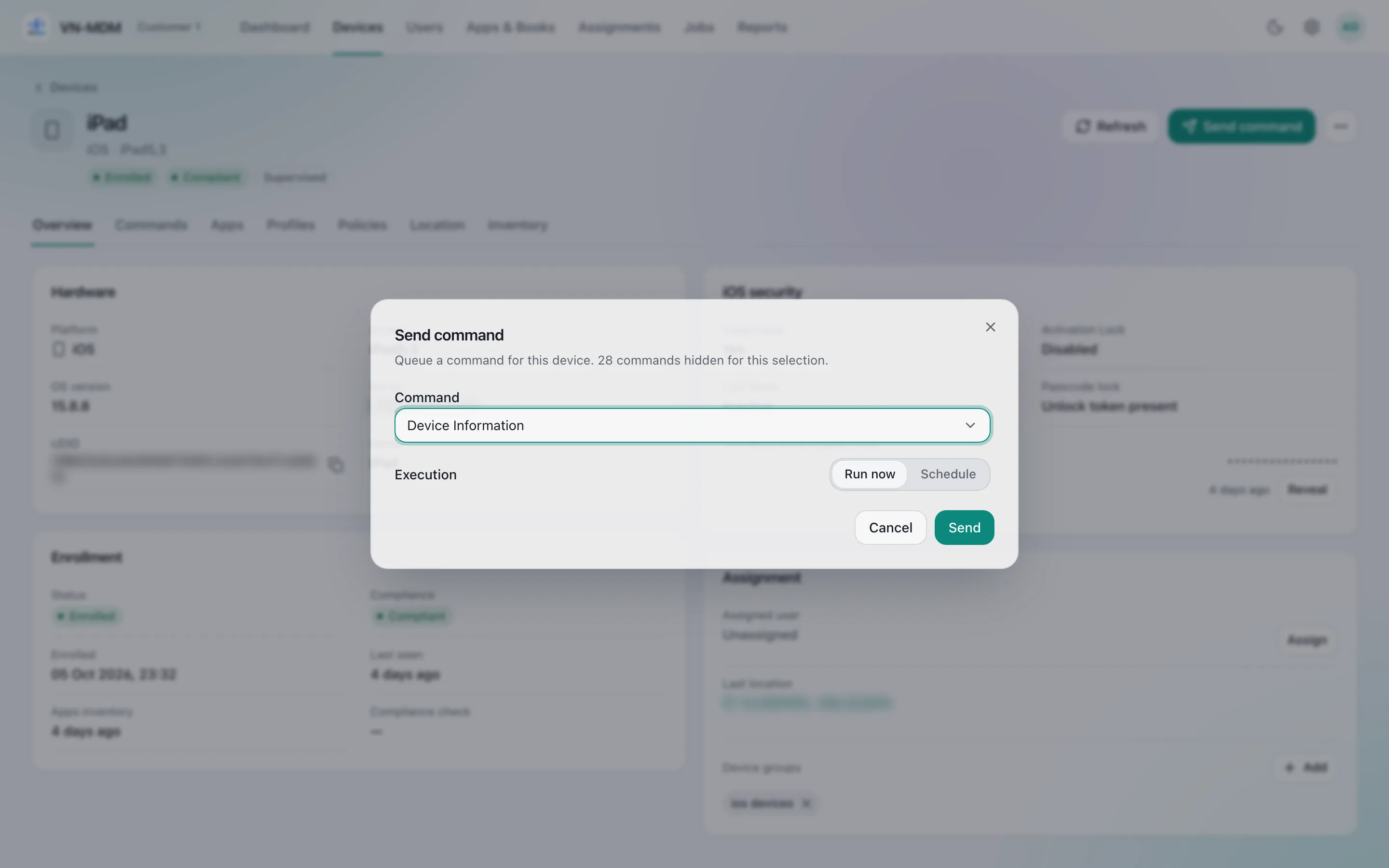
Remote control
Send commands to one device or a whole group, now or on a schedule.
- Lock & wipe
- Lock the screen, erase all data, clear a forgotten passcode.
- Lost Mode
- Show a message and phone number, play a sound, locate the device (supervised iPhone/iPad, company Android).
- Restart, shut down, rename
- Fix problems without touching the device.
- Scheduled commands
- Run now or schedule, and track every command: pending, sent, acknowledged, failed.
Administration, reports & audit
Several admins, each with the right permissions — and every action leaves a trail.
- Role-based access
- Administrator, device manager, user manager, help desk, viewer.
- Audit log
- Who did what and when — sign-ins, MDM commands, configuration changes.
- Dashboard & CSV
- Enrollment overview, pending commands, today's failures; export when needed.
- Vietnamese-first
- Console and user guide in Vietnamese and English; your own logo and console name.

Platform support
One console for a mixed fleet. This table reflects what ships in the product today.
| iPhone / iPad | Mac | Android | Windows | |
|---|---|---|---|---|
| Enroll by link / QR code | ||||
| Zero-touch automated enrollment | ||||
| Hardware & software inventory | ||||
| Install / remove apps remotely | ||||
| Wi-Fi, VPN, restrictions | ||||
| Passcode policy | ||||
| Remote lock / wipe | ||||
| Lost Mode | ||||
| Single-app kiosk | ||||
| Disk encryption | ||||
| OS updates | ||||
| Automated compliance policies |
- Available
- Coming soon
- Not applicable
Ready to manage devices the smarter way?
Request a trial and we will help you enroll your first devices.